Screen and case
Clarify visible changes to screen or case.
A mobile device symptom can have several possible explanations.
Start a conversation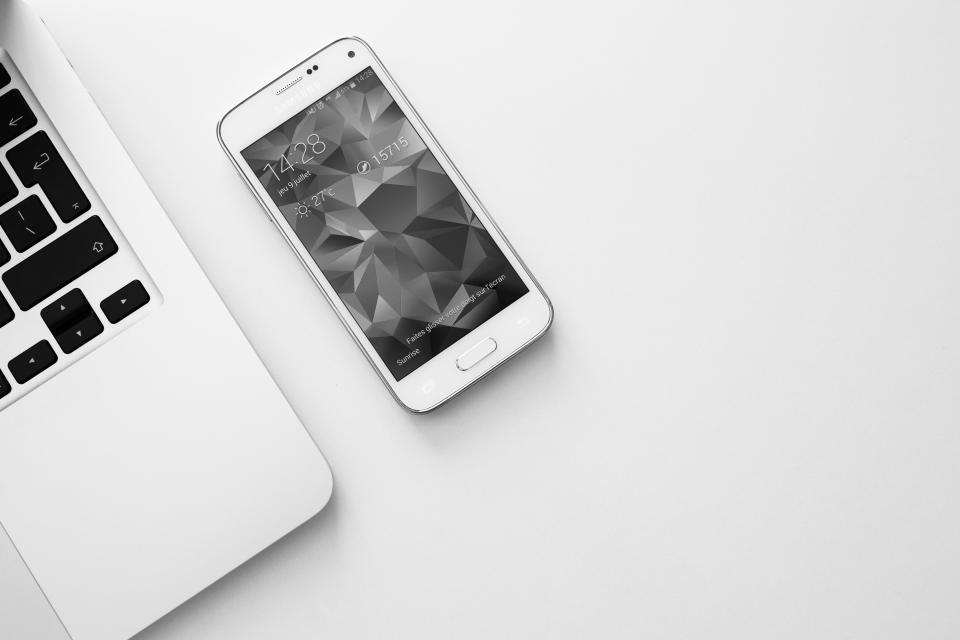
Take up model identification before moving to screen and case.
Clarify visible changes to screen or case.
Note buttons, cameras, sound, and connection.
Compare the phone model and observed issue.
Consider charging, battery, and startup symptoms.
Record startup, charging, and connection behavior before contacting.
Photograph the screen or case if the concern can be seen.
Describe the issue without assuming the cause.
Give the model, visible condition, and a clear account of what the phone does.
Organize screen, power, and function questions around observable behavior.
Record when it occurs and what the device was doing at the time.
It narrows questions about parts, connections, and expected behavior.
Describe charging response and any screen or sound change.
Images of materials and places related to mobile device repair questions and power behavior.





Illustrative photography. Images do not depict actual premises, staff, projects or inventory.
Use the details below to contact Rao mobile co about the phone model and observed issue.